How to Make a Tiny Desk AI Video
Last updated:
This guide covers sign-in, test credits, job progress and downloads, plus source media needed to review a real performance. Waffo test payments charge no real money; fal generation uses provider credits.
1. Watch the full placeholder first
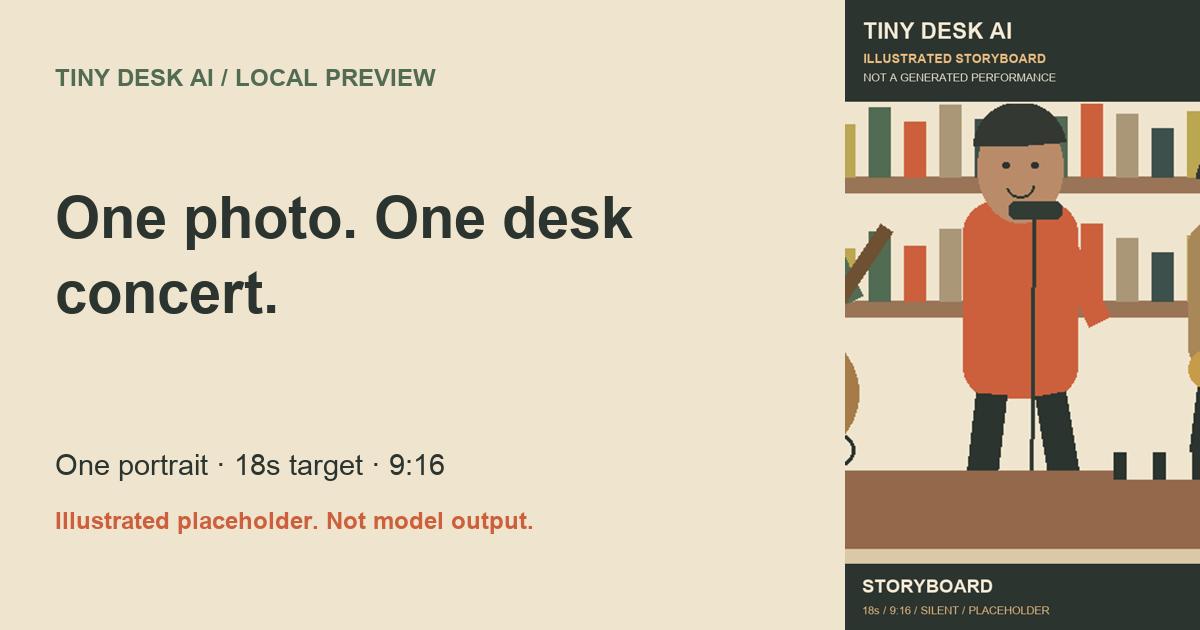
Read the preview label before evaluating the result. The homepage clips are original illustrated storyboards, not an AI performance. They show the target desk scene and shot sequence. Open /demo/original.mp4 directly for native playback controls. The complete file is 18 seconds, 9:16, 540 × 960 and silent.
Do not infer identity quality from the input illustration beside it. Mock mode returns the same clip for every upload. An actual before-and-after sample remains a release requirement.
2. Prepare one suitable portrait
Choose one adult facing the camera, with the head and shoulders visible, even lighting and a clear unobstructed face. Avoid group shots, sunglasses, masks, heavy filters and tiny faces in a large frame. The uploader accepts JPEG, PNG and WebP up to 10 MB.
Only use yourself or another consenting adult who is not a celebrity or public figure. You confirm this permission in the form. Upload moderation is simulated locally; passing that mock check is not a real moderation decision.
3. Sign in and test a one-time pack
Sign in with Google to create your site account with zero generation credits. The independent test site has a registered Google callback. Development login is available only on localhost, not on the public test site.
Pick Starter for 18 credits at $9.90, or the three-video pack for 54 credits at $19.90. Every 18-second job uses 18 credits. Purchased credits do not expire; no new subscriptions or signup generation gifts are offered.
The independent test site uses Waffo test checkout. Test payments charge no real money and do not verify production payment acceptance or willingness to pay. fal model charges are separate: real generation uses provider credits.
4. Upload and start the single template
Return to the homepage, choose your portrait, wait for the upload state, and tick the consent box. There is one template and one duration: 18 seconds. If your balance is insufficient, the existing generator offers the cheapest package that covers the shortfall.
Start the job and watch the queue or processing state. You can leave the page and return to My videos. Real model rendering time has not been measured; no minutes-to-finish promise is made. In local mode, the task copies the reference storyboard to your private result.
5. Preview, download and optionally share
A successful local task produces an MP4 preview and download link. Check My videos and Billing to see the job, purchase and 18-credit deduction. The file remains a labeled placeholder. Downloading it is a storage and delivery check, not proof that your portrait was animated.
Uploads are deleted automatically 7 days after upload; results are kept for 30 days after they finish. Download before the displayed expiry. Sharing is optional and creates an AI-labeled page only when you enable it. Stop sharing to invalidate the link. Do not represent the mock result as a real generated concert.
6. Understand failure refunds
Failed generation jobs use the existing automatic credit refund path, restoring the original deducted credit grants with a stable refund key. Repeated polling should not grant extra credits. The local checks exercise this with a simulated failure; real-model failure charges are a separate cost question.
A successful but poor likeness is a quality acceptance issue. We must establish review criteria before launch, rather than implying every technically successful render is ready to sell.
Before the first real concert test
Supply a self-owned or licensed 18-second reference performance with the intended band, lead, wave and saxophone cuts, plus an authorized adult portrait. Configure fal credentials and provider-readable HTTPS media URLs only after approving a small paid test. The current route is single-step reference replacement, not a newly invented performance.
Review identity over all cuts, whether fixed musicians stay fixed, output duration and dimensions, audio behavior, latency and billed cost. There is no promise of exact lip-sync, original music, precise recreation or stable identities until evidence supports it. Multiple shots may require shared pipeline changes before the product can meet its target.
Try the Tiny Desk AI test workflow
Start with one photo